
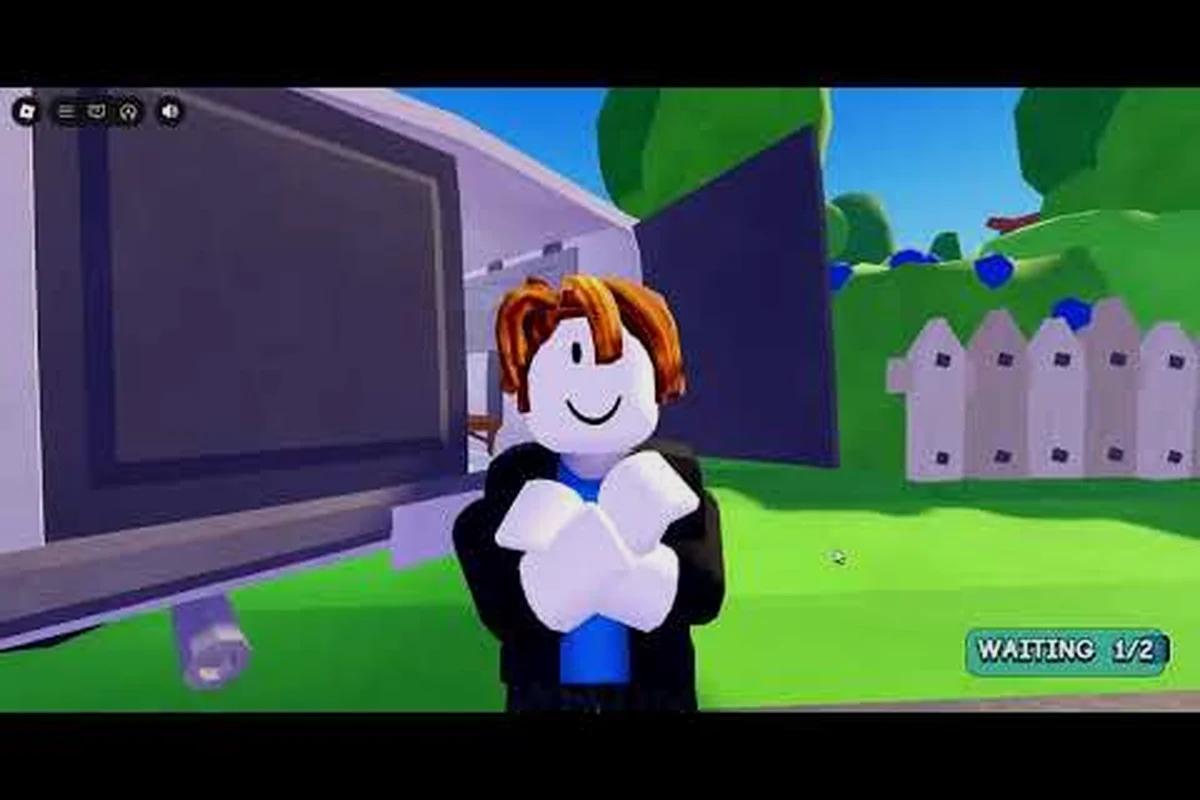
A complete flip a house walkthrough matters because the game drops you into a property so filthy that most new players waste their first ten minutes scrubbing the wrong wall. The core loop is simple: clean trash, vacuum stains, mop grime, paint walls, then sell for profit. But the order you tackle rooms in determines whether you finish in twenty minutes or grind for an hour. This guide breaks down the fastest route from the grossest starter wreck to a clean sale, including which rooms to prioritize, how to split chores in co-op, and the exact controls that speed up every task.
What Flip a House Actually Is
Flip a House is a Roblox incremental simulator built around the satisfying loop of transforming a disgusting property into a sellable home. The developer, Increates House, launched the experience publicly on July 16, 2026, and it has already pulled in over 3.6 million visits as of mid-September 2026. The game supports up to 25 players per server, though the official recommendation caps co-op cleaning at four people per house to avoid players tripping over each other.
The progression system is straightforward but deceptively deep. You start with a single wreck, earn cash from cleaning and selling it, then reinvest that money into more expensive properties that require more work but pay out significantly more. There is no code redemption system in the game, so every dollar comes from actual labor or from optional Game Pass purchases and developer products that boost your earning rate.
| Progression Stage | What You Do | Typical Payout |
|---|---|---|
| Starter Wreck | Clean trash, vacuum, mop, paint | Low, builds fundamentals |
| Mid-Tier House | Larger rooms, more stains, multiple floors | Medium, unlocks better tools |
| Luxury Property | Extensive grime, premium finishes | High, requires efficient routing |
The game's appeal comes from the tactile feedback of each cleaning tool. Trash bags snap shut with a satisfying pop, the vacuum leaves visible clean streaks on carpet, and paint rollers transform a stained wall into a fresh surface in seconds. Understanding this loop is the foundation of any effective flip a house walkthrough, because every optimization builds on the same core actions.
Flip a House Controls and Setup
Before you can clean anything, you need to know the flip a house controls cold. The game uses a standard Roblox control scheme, but several actions are context-sensitive and easy to miss if you skip the tutorial prompts. On PC, movement uses WASD, the mouse controls your camera, and left-click activates whichever tool you are currently holding. The E key is your primary interaction button for picking up trash, grabbing tools, and confirming paint colors.
Flip a house pc controls differ slightly from mobile in one important way: the right mouse button lets you rotate held items before placing them, which matters when you are positioning furniture or aligning a paint roller for an even stroke. Mobile players get a dedicated rotate button on the touch interface instead. Console players use the standard Roblox gamepad layout, with the left stick for movement and the right stick for camera control.
| Action | PC Control | Mobile Control | Console Control |
|---|---|---|---|
| Move | WASD | Left virtual joystick | Left stick |
| Camera | Mouse | Right touch drag | Right stick |
| Interact / Use Tool | E or Left Click | Tap interact button | A / X button |
| Rotate Held Item | Right Mouse Button | Rotate button | Right bumper |
| Open Shop / Menu | Tab or Backtick | Menu icon | Start button |
One control tip that most players discover late: you can hold down the interact button while moving to continuously pick up trash in a line, rather than clicking each piece individually. This single habit cuts trash collection time by roughly a third on cluttered floors. The game also supports a sprint toggle on PC via the Shift key, which helps when you are running between rooms to grab supplies.
Room Priority Order for the Fastest Flip
The single most important flip a house tip is to clean rooms in a specific order that minimizes backtracking. Most new players start with the living room because it is the first space they see, but that is actually a mistake. The optimal route starts with the kitchen, because it typically has the highest concentration of trash and stains, and finishing it first gives you a clean staging area for moving supplies through the rest of the house.
Kitchen First, Bathroom Second
The kitchen usually contains the most trash bags, food stains, and grime patches of any room in the starter house. Clearing it first means you are not walking through a dirty space every time you need to grab a new trash bag or refill your mop bucket. The bathroom is the second priority because it is small, fast to complete, and often hides stains behind the toilet that are easy to miss if you rush.
Bedrooms and Living Room Last
Bedrooms tend to have fewer trash items but more carpet stains, which means you will spend more time vacuuming than picking up objects. The living room is usually the largest space and works best as your final room, because by that point you have developed a rhythm and can cover the big area efficiently. This order also means you are never backtracking through a cleaned room to reach a dirty one.
| Room | Priority | Main Task | Average Time |
|---|---|---|---|
| Kitchen | 1st | Trash, food stains, mopping | 4-6 minutes |
| Bathroom | 2nd | Grime, toilet stains, mopping | 2-3 minutes |
| Bedrooms | 3rd | Carpet vacuuming, trash | 3-5 minutes each |
| Living Room | 4th | Large area vacuum, paint | 5-8 minutes |
Community testing consistently shows that following this order shaves two to four minutes off a solo starter house clear compared to a random room order. The time savings compound on larger properties, where backtracking across multiple floors becomes a serious drain on your profit per hour.
Co-op Chore Splitting That Actually Works
When you play with friends, the flip a house walkthrough changes significantly because you can parallelize tasks that would take twice as long solo. The clearest co-op reference comes from a two-player episode by Brency Roblox YT, where two players share one exceptionally dirty property and divide the trash, vacuum, and scrub chores between them. The key insight from that run is that each player should own a different cleaning stage rather than doubling up on the same room.
The most effective split is to have one player focus exclusively on trash collection while the other follows behind with the vacuum and mop. The trash collector moves fast, grabbing every loose item and bagging it, while the second player handles the slower stain removal and floor cleaning. This prevents the bottleneck where both players crowd into the same corner trying to pick up the same piece of trash.
| Player Role | Primary Task | Secondary Task | Best For |
|---|---|---|---|
| Trash Runner | Collect all loose trash | Move furniture | Fast-paced players |
| Stain Specialist | Vacuum carpets, mop floors | Paint walls | Methodical players |
| Supply Courier | Refill buckets, grab tools | Spot-check missed areas | Newer players |
For a deeper breakdown of how to coordinate four players and maximize your co-op earnings, the flip a house 4 player guide covers role assignments, speedrun strategies, and how to split money fairly when you sell the finished house.
Painting and Finishing Touches
Painting is where many flips stall, because players do not realize that paint coverage is tracked per wall segment and you need to hit every section to get the full sale bonus. The paint roller has a generous hitbox, but corners and edges require you to slow down and angle the camera carefully. A common mistake is painting the same wall twice while leaving a thin strip near the ceiling unpainted.
Paint Color and Coverage
The game offers several paint colors, and while color choice does not affect the sale price, it does affect how easily you can see missed spots. Lighter colors make unpainted patches more visible, which helps you catch gaps before you move to the next room. Darker colors hide mistakes but can leave you with a lower completion percentage if you are not thorough.
Final Inspection Before Sale
Before you list the property, do a slow walkthrough of every room with your tool menu open. Look for the small trash items that hide under furniture, the faint stains that only appear at certain camera angles, and the paint gaps near doorframes. The sale price scales with your completion percentage, so spending an extra two minutes on inspection can add a meaningful chunk of profit to the final payout.
| Finish Task | What to Check | Common Miss |
|---|---|---|
| Trash Sweep | Under furniture, behind doors | Small wrappers and cans |
| Stain Check | Carpet corners, wall bases | Faint water marks |
| Paint Review | Ceiling edges, doorframes | Thin unpainted strips |
| Floor Polish | Mop streaks, vacuum lines | Missed tile sections |
Money Strategy and Reinvestment
The economy in Flip a House rewards aggressive reinvestment over hoarding. Your first sale gives you enough cash to buy a mid-tier property, and that property pays out enough to unlock better tools that make every subsequent flip faster. The trap many players fall into is spending early profits on cosmetic items that do not improve their cleaning speed or earning potential.
The best early purchases are tool upgrades that increase your vacuum radius, mop coverage, and trash bag capacity. These upgrades compound, because a faster clean means more flips per hour, which means more cash to reinvest. The doubling your cash guide breaks down the exact cash multipliers, the best profit route through the property tiers, and which expensive houses are actually worth the grind.
| Investment | Cost Tier | Payoff | Priority |
|---|---|---|---|
| Vacuum Upgrade | Low | Faster carpet cleaning | High |
| Mop Upgrade | Low | Larger floor coverage | High |
| Trash Bag Capacity | Medium | Fewer refill trips | Medium |
| Cosmetic Items | Varies | No earning boost | Low |
The game also rewards engagement through a like-and-group milestone system rather than codes. Joining the official Increates House group and liking the experience unlocks small bonuses that add up over time. These are passive rewards, so they should not change your core strategy, but they are worth grabbing if you plan to play regularly.
Frequently Asked Questions
What is the fastest way to complete a flip a house walkthrough?
The fastest route is to clean the kitchen first, then the bathroom, then bedrooms, and finally the living room. This order minimizes backtracking and keeps your supply staging area clean. In co-op, split trash collection and stain removal between two players so neither person waits on the other.
Do I need to paint every wall to sell the house?
Yes, paint coverage is tracked per wall segment, and the sale price scales with your completion percentage. Missing thin strips near the ceiling or doorframes reduces your payout. Use lighter paint colors to make unpainted patches easier to spot during your final inspection.
Are there any flip a house codes for free cash?
No, the game has no code redemption system. All cash comes from cleaning and selling properties, optional Game Pass purchases, or developer products that boost your earning rate. Third-party sites listing codes are showing invented code lists, not real rewards.
Can I play flip a house solo or do I need friends?
Solo play is completely viable and is actually the best way to learn the core loop without coordination overhead. The official server supports up to 25 players, but the recommended co-op cap is four people per house. Solo clears take longer but teach you efficient routing habits that carry into co-op runs.
What are the most important flip a house pc controls to memorize?
The E key for interaction, left-click for tool use, and right mouse button for rotating held items are the three controls that speed up every task. Holding E while moving lets you continuously pick up trash in a line, and Shift toggles sprint for faster room-to-room movement.